
Capability
A lost website may not be lost.
When your website is unavailable, customers lose a place to understand your offer and contact you. We assess the archives, files and access you still hold, then reconstruct what is recoverable. The agreed scope covers the rebuilt pages, customer paths and handoff.
The problem
The website is gone. The business still needs one.
A previous developer walked away without a handoff. A hosting account lapsed. A CMS was decommissioned. A designer disappeared with the files. Whatever the reason, the site is offline and the source is gone.
The business does not stop while the website is missing. Prospects still look you up. Referrals still expect to find you. Search still points to pages that no longer load. The gap has a cost every day it stays open.
You do not always need to start over. In many cases enough of the original site still exists in public archives and private records to reconstruct a version that is close to what you had, and put it back online quickly.
Who this is for
Owners who need their site back, not a redesign.
Businesses whose previous developer or agency is unreachable.
Owners locked out of a CMS, host, or domain after a vendor change.
Teams whose site went down and no current backup exists.
Founders acquiring a brand whose site went dark before closing.
Nonprofits and small operators without a recent staging or export.
Anyone who needs to keep the same content live while they plan a full redesign.
What can sometimes be recovered
Often available.
- Page copy captured by the Internet Archive.
- Layouts, structure, and navigation from crawled snapshots.
- Product and service descriptions from indexed pages.
- Logos and images at the resolution the crawler captured.
- Blog posts, case studies, and press pages that were public.
- Metadata, page titles, and old URL structures.
What cannot be guaranteed
Often missing.
- Original source files, fonts, and design system.
- Full-resolution images that were only stored in the CMS.
- Video, audio, and any interactive or scripted features.
- Pages the crawler never visited or that were behind a login.
- Databases, form submissions, and dynamic personalization.
- Anything created after the last archive capture.
Process
Seven steps from lost to live.
Rights and scope check
Confirm you own the site or have the right to reproduce it. Agree on scope, timeline, and what a successful recovery looks like.
Archive and record inventory
Pull every available Internet Archive capture, cached page, and public snapshot. Collect any files, exports, screenshots, or emails you still have.
Content extraction
Pull copy, images, metadata, and structure from the archived captures. Catalog what is complete, what is partial, and what is missing.
Architecture reconstruction
Rebuild the sitemap, navigation, and page templates. Match the original where the record supports it. Flag every gap that needs a decision.
Production with senior review
Move quickly on layout, copy cleanup, and asset preparation. Every page is reviewed by a senior designer and writer before it ships.
Search, redirects, and technical continuity
Preserve old URL structures where possible. Set redirects for changed paths. Rebuild sitemap, robots, and metadata so search can re-crawl cleanly.
Relaunch and handover
Deploy to your hosting, verify performance, and hand over full access. You own the site, the accounts, and the files at the end.
Methodology
Internet Archive and available records.
The Internet Archive is the primary source for most recoveries. We work with the Wayback Machine snapshots that already exist for your domain. We do not create false history, backdate captures, or misrepresent when a page was live.
Coverage varies by site. A frequently indexed brand may have hundreds of captures across years. A small business site may have a handful. We pull every available snapshot, cross reference them to build the most complete version, and note where pages are thin.
Alongside the archive we work from anything you can provide: brand files, invoices with copy attached, old proposal decks, email drafts, staff-side screenshots, or a previous designer's handoff. Private records often fill the exact gaps the crawler missed.
Role of AI
How We Rebuild
AI does the mechanical work of reconstruction: parsing archived HTML, extracting readable copy from noisy captures, drafting clean component structure, and preparing images at the highest available quality. It supports the reconstruction work.
AI is not the editor. It does not decide what a page should say, what belongs on the site, or what to do when the record is unclear. It moves fast on tasks that would otherwise take days of manual work.
Role of human judgment
Every page reviewed by a person.
A senior designer and writer review every reconstructed page for accuracy, voice, and brand continuity. When the archive is ambiguous, a human decides how to fill the gap. When AI produces a plausible but wrong version of a claim, a human catches it.
We flag anything we could not verify against the original. You see those flags before the site goes live, and you approve the calls we made on your behalf.
Search, redirect, relaunch
Bring the SEO back with the site.
A site that has been offline loses ground in search. Our goal at relaunch is to keep as much of the old URL structure as possible, and redirect what has to change so authority is not lost.
We rebuild sitemap.xml, robots.txt, and page metadata so search engines can re-crawl cleanly. Where the old site had backlinks to specific pages, we make sure those pages resolve, not 404.
Full search recovery is not immediate. Indexes rebuild on their own schedule. What we control is that nothing about the relaunch makes recovery harder.
Case study
Back online the day after they signed, after 41 days dark.
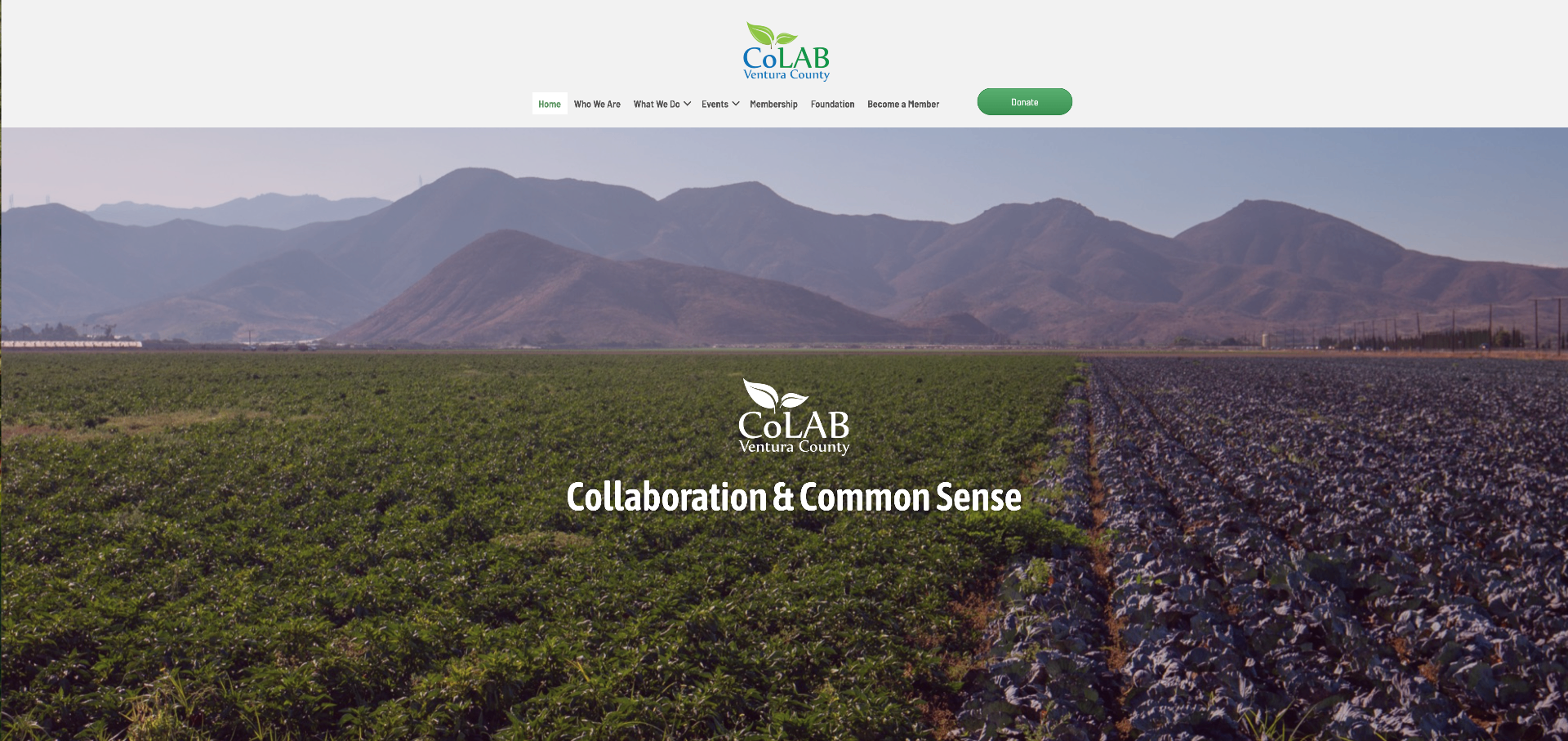
A Ventura County nonprofit coalition lost its website when its developer and hosting provider disappeared. We rebuilt it from the public web archive, had it live the day after signing, and then put their memberships, donations and event tickets on the site.
41
July 15
Archive + senior review
Questions
What owners ask before a recovery.
Can you guarantee my site will be fully recovered?
Do I need to own the website you are recovering?
What if the Internet Archive does not have my site?
How long does a recovery take?
Will the recovered site look exactly like the original?
What about images, video, and copy I do not have source files for?
Discuss a recovery.
Bring your domain, remaining access and files, and confirmation of your rights to the free 30-minute call. We choose a written next step and send it the same day. Archive assessment and reconstruction are scoped separately.